Reverse Image Search
One photo, searched on Google Lens, TinEye, Yandex and Bing at the same time.
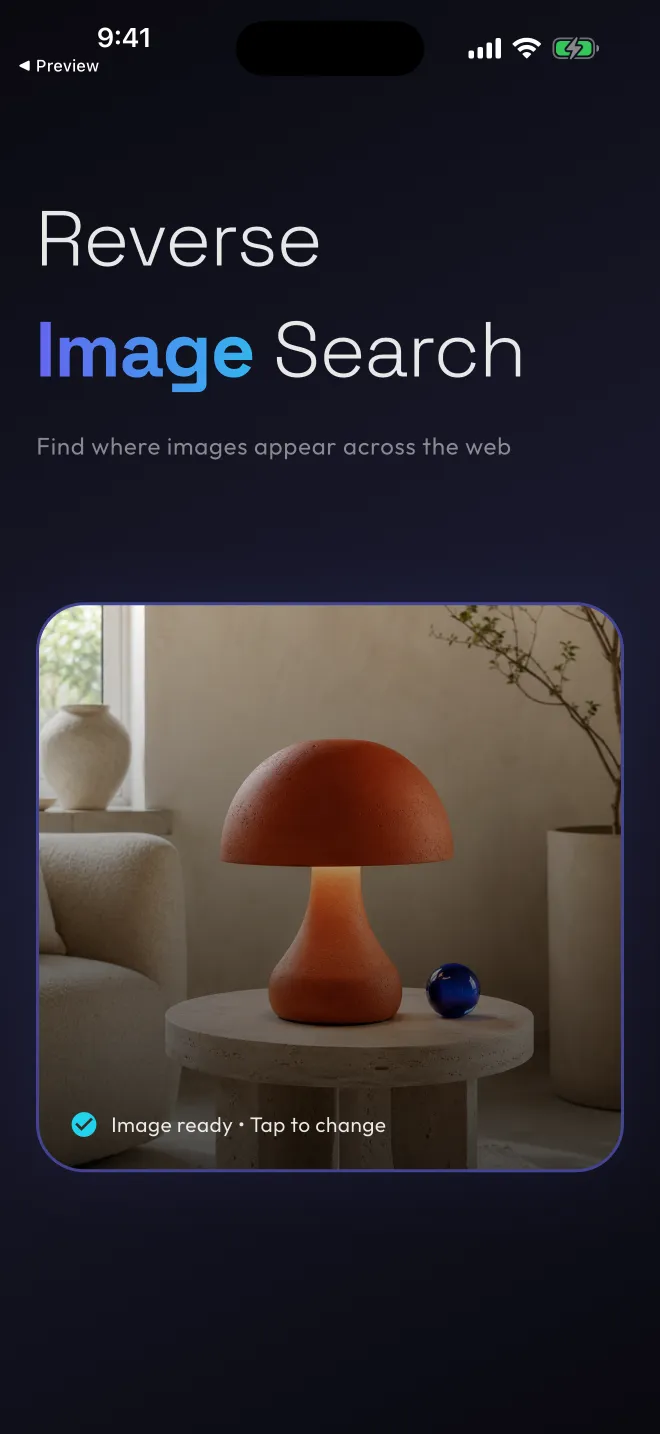
Pick a picture from your gallery or take a new one. The app hands it to four visual search engines in one tap, then lets you flip between their results without anything reloading.
Watch one image reach four engines
Pick a sample picture. This is what the app does with your photo, slowed down so you can follow it.
-
Google Lens
Names objects, landmarks and products.
-
TinEye
Finds where a photo is used online, and larger copies.
-
Yandex
Often turns up results the others miss.
-
Bing Visual
Good for shopping lookups and related pages.
The app resizes your photo, uploads it to a temporary image host and sends the link to all four engines at once.
These samples are drawings and nothing is uploaded from this page. In the app it’s your own photo, and four real result pages. Get the app
Switch engines without reloading
All four searches start together, each in its own built-in browser. Tap from one engine to the next and every page is exactly where you left it.
Back, refresh and forward work in each one, so you can follow a match as far as it goes without leaving the app.
Engines disagree, and that’s the point of asking four. Try the tabs: these are real screens from the iPhone app, searching a photo of a table lamp.
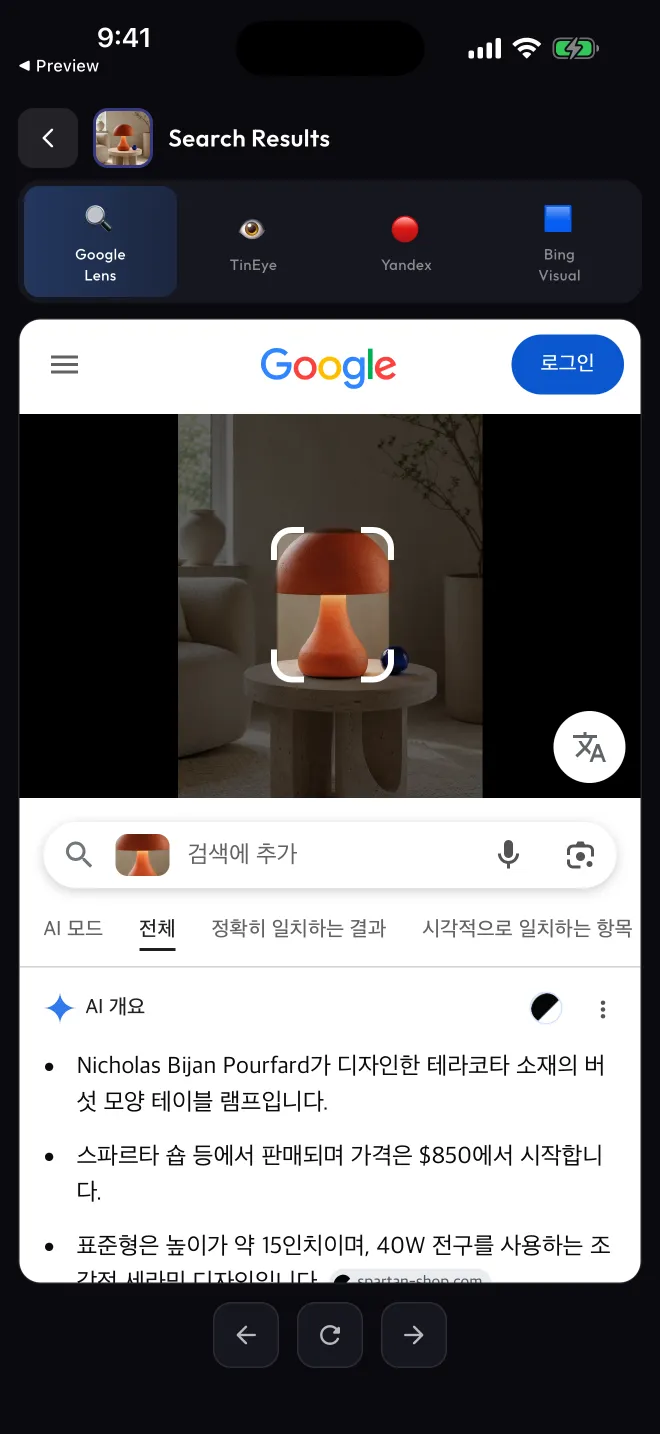
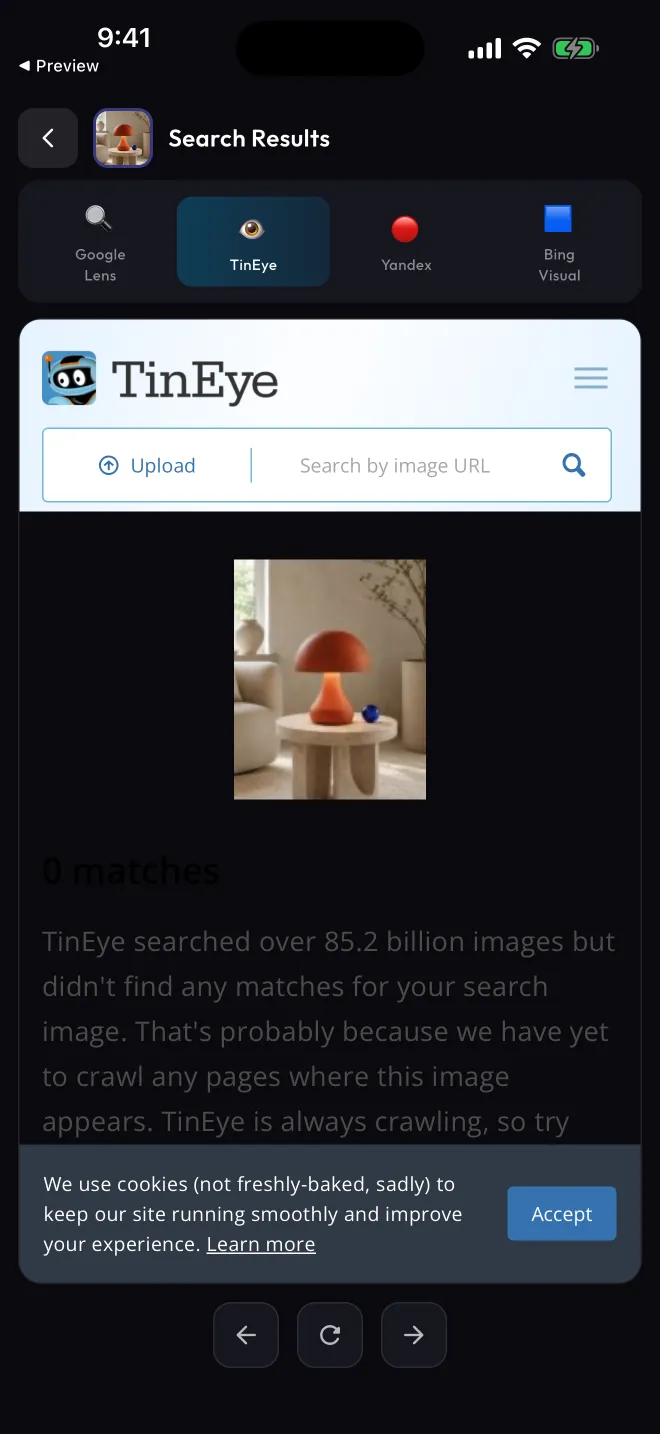
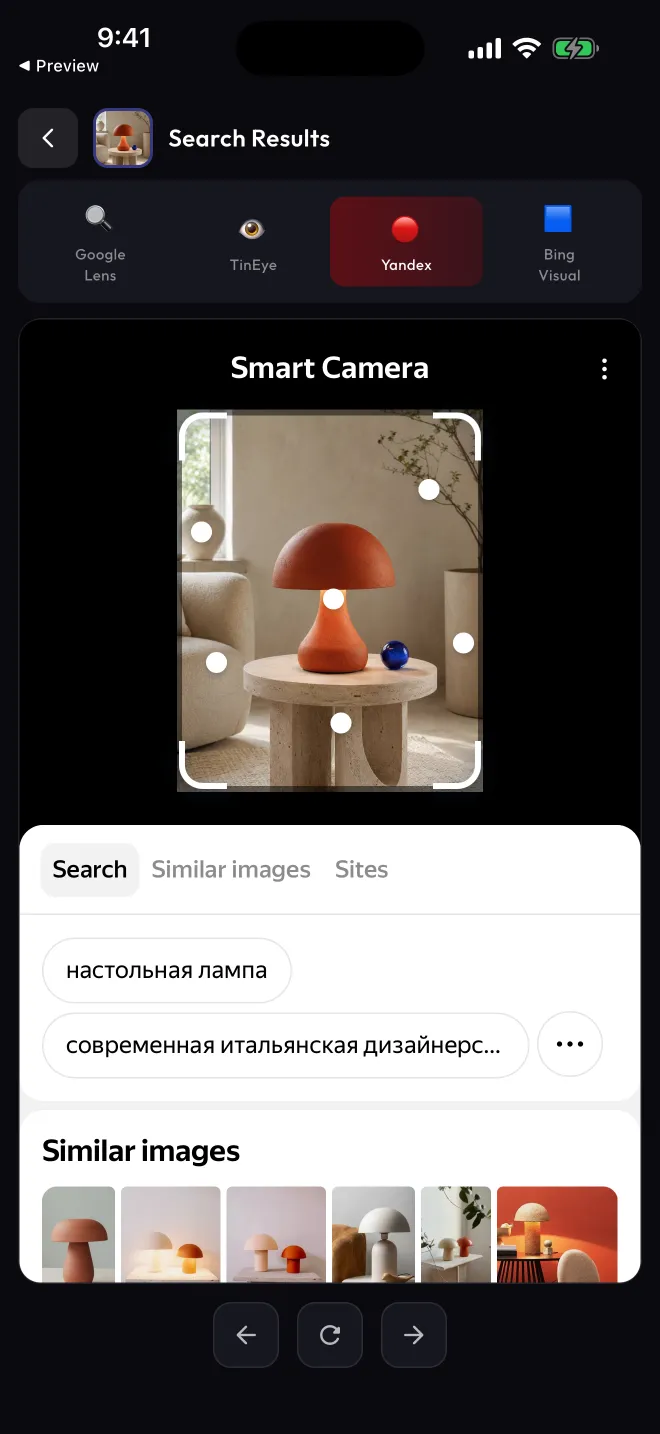
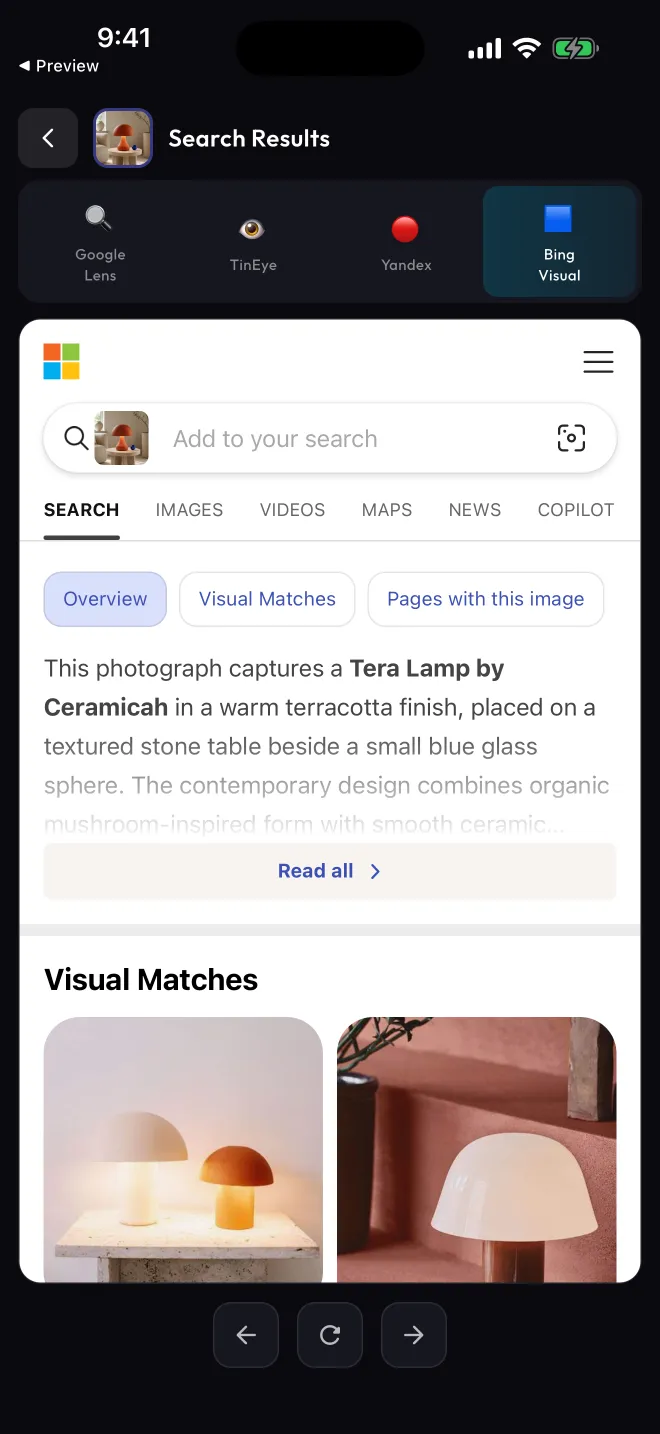
Google Lens names the lamp and where it’s sold.
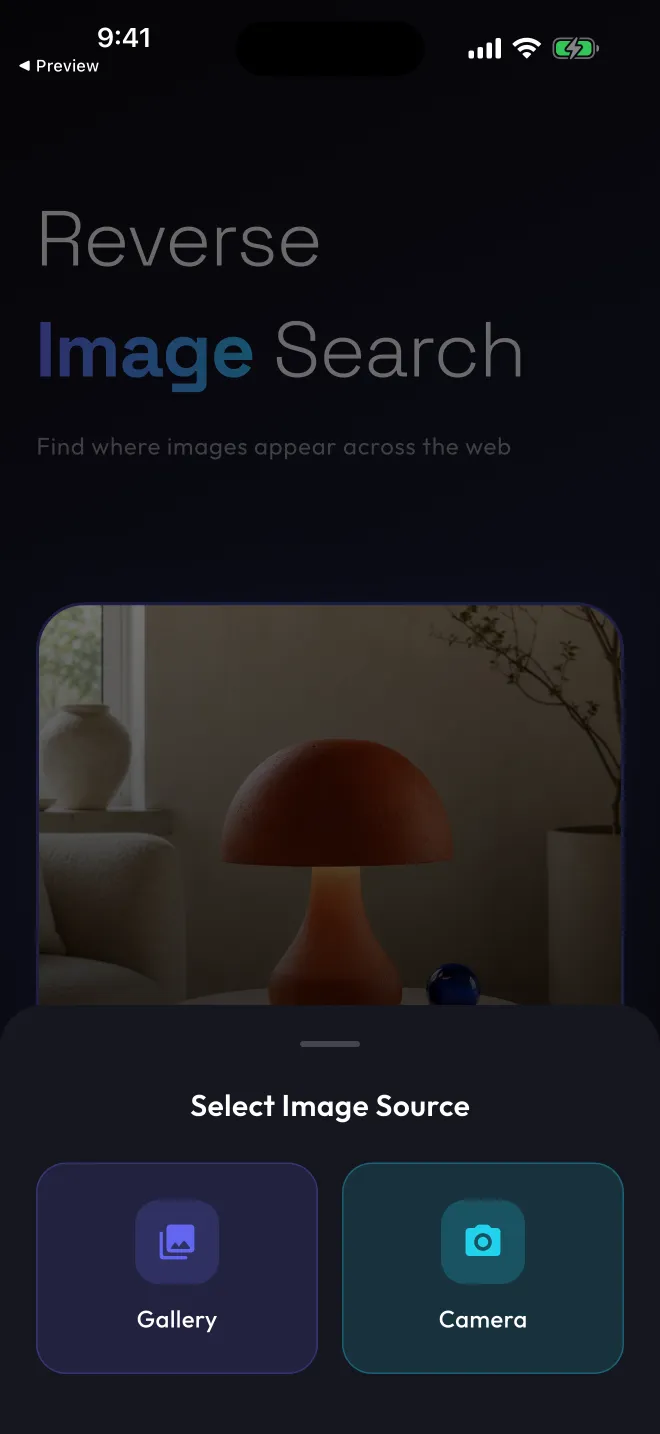
Gallery or camera. That’s the whole setup.
Tap Choose an Image, then pick a photo from your library or take a new one. The search starts as soon as the photo is ready.
There’s no account, no sign-in and nothing to configure.
Where your photo goes
A reverse image search engine has to see the picture, so the app has to share it. This is exactly how.
-
On your phone
The photo you choose is resized so its longest side is at most 2048 px.
-
A temporary image host
It’s uploaded to Litterbox (by Catbox), or to ImgBB if that upload fails, with a 24-hour expiry requested. The host returns a public link, and anyone who has that link can open the image while it’s up.
-
Four search engines
The link goes to Google Lens, TinEye, Yandex Images and Bing Visual Search. Their pages open in built-in browsers, where they see the link, your IP address and browser details, and may set cookies and show their own ads.
Rexyrex runs no image server and keeps no copy of your uploads. The 24-hour setting can’t control copies a search provider keeps, so choose only photos you’re comfortable sharing with these services.
The app is free and shows ads from Google AdMob, never on your first search. On iOS it asks before allowing tracking, and uses Firebase Analytics and Crashlytics, whose events don’t include your photos, image links or searches.
Find out where an image came from
Free on Google Play and the App Store.