Photo Exif Metadata Editor
See the camera, date and location hidden in your photos. Correct what’s wrong, sign what’s yours, and clear the rest before you share.
Free for Android, with ads. Works offline.
What one photo gives away
Frame 14 from the strip above, carrying the kind of data a phone writes into every shot. Change a field, or clear the lot.
A simulation in your browser, with a sample photo. Nothing is uploaded or saved.

35.1532° N, 129.1187° EWhere the GPS tags say it was taken. Illustrative map.
PXL_20260621_104207123.jpg
25 tags
4080 × 3072 12.5 MP 3.4 MB JPEG
Camera
Make, ModelGoogle Pixel 8LensModelPixel 8 back cameraSoftwareHDR+ 1.0Exposure
FNumberf/1.7ExposureTime1/50sISOSpeedRatings320FocalLength7mm 25mm equivFlashOff, did not fireExposureBiasValue0 EVMeteringModeCenter-weightedWhiteBalanceAutoTaken
DateTimeOriginal
Location
GPSLatitude, GPSLongitude35.1532° N, 129.1187° EGPSAltitude3.8 mGPSImgDirection142° SEGPSDateStamp, GPSTimeStampJun 21, 2026 10:42:07 UTCRights
ArtistCopyrightWords
XPTitleImageDescriptionXPSubjectXPCommentXPKeywords
Busanbridgeblue hour
From picking a photo to a clean copy
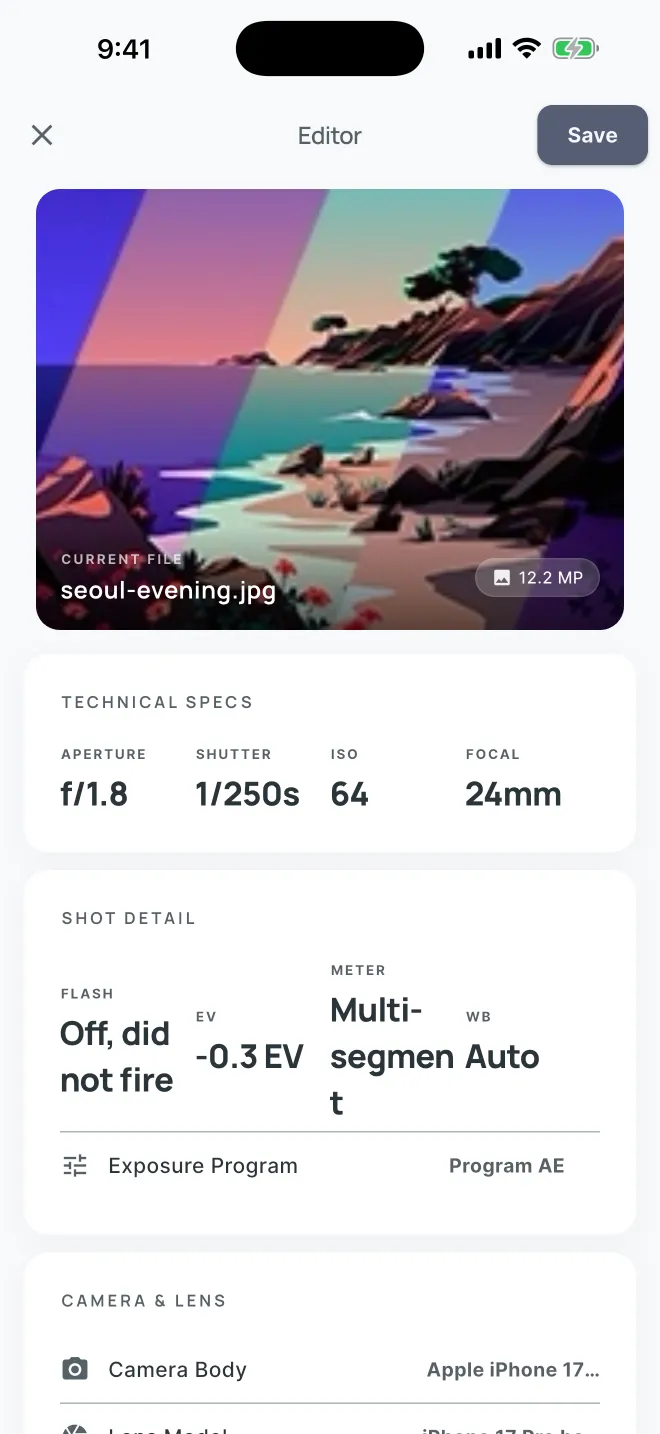
Real screens from the app, in the order you meet them.
-
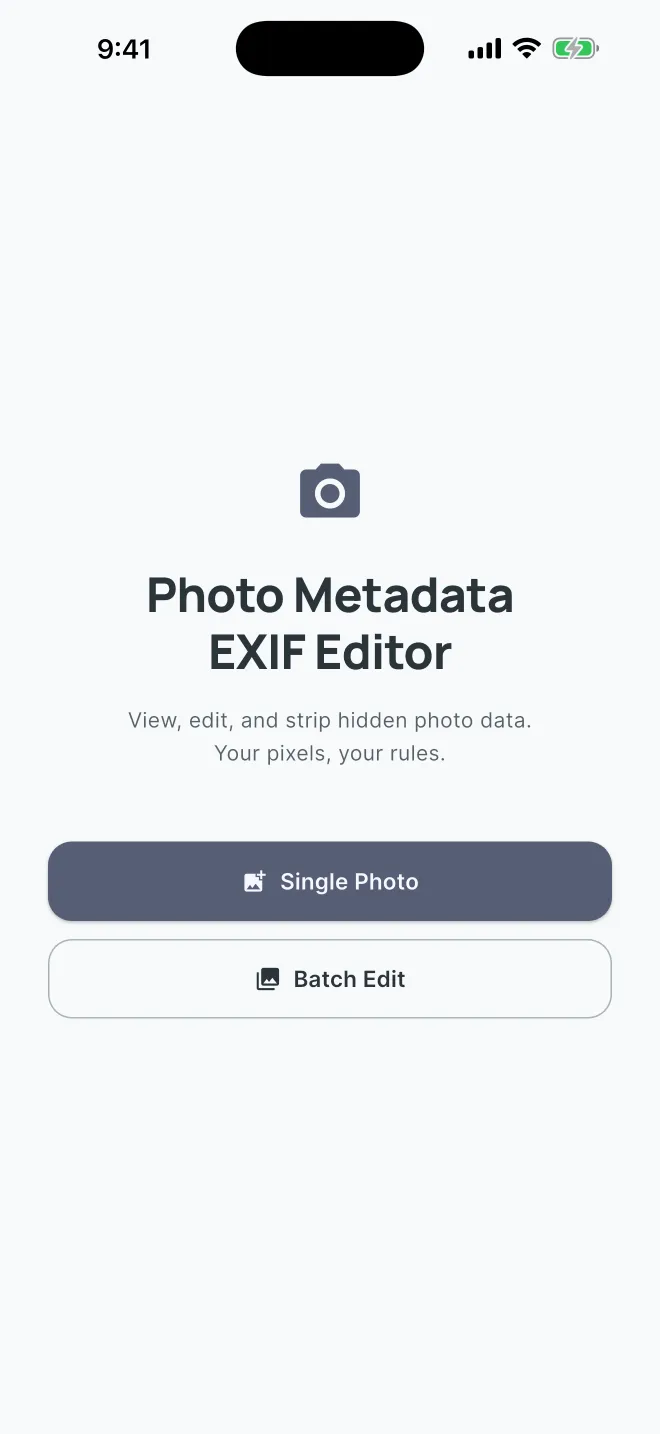
1Open one photo, or pick several for a batch edit.
-
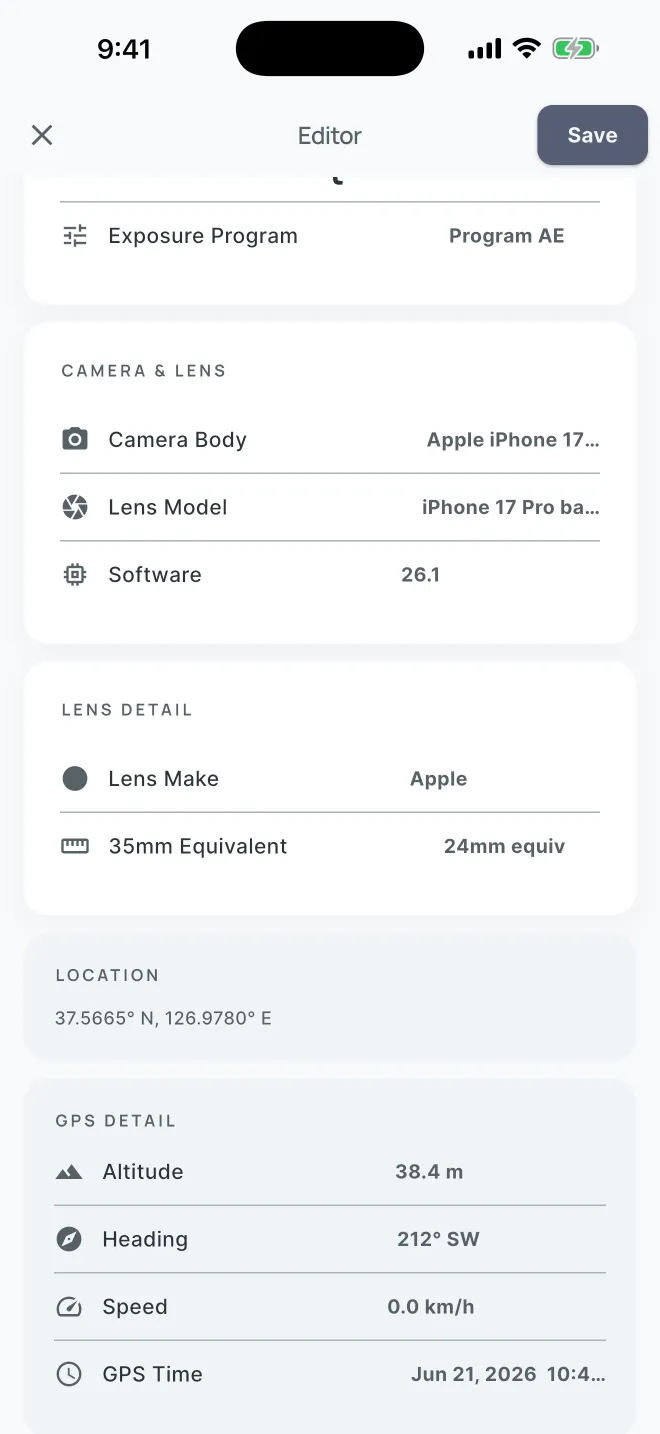
2Scroll the readout: camera, lens and software, then where it was taken, down to altitude and heading.
-
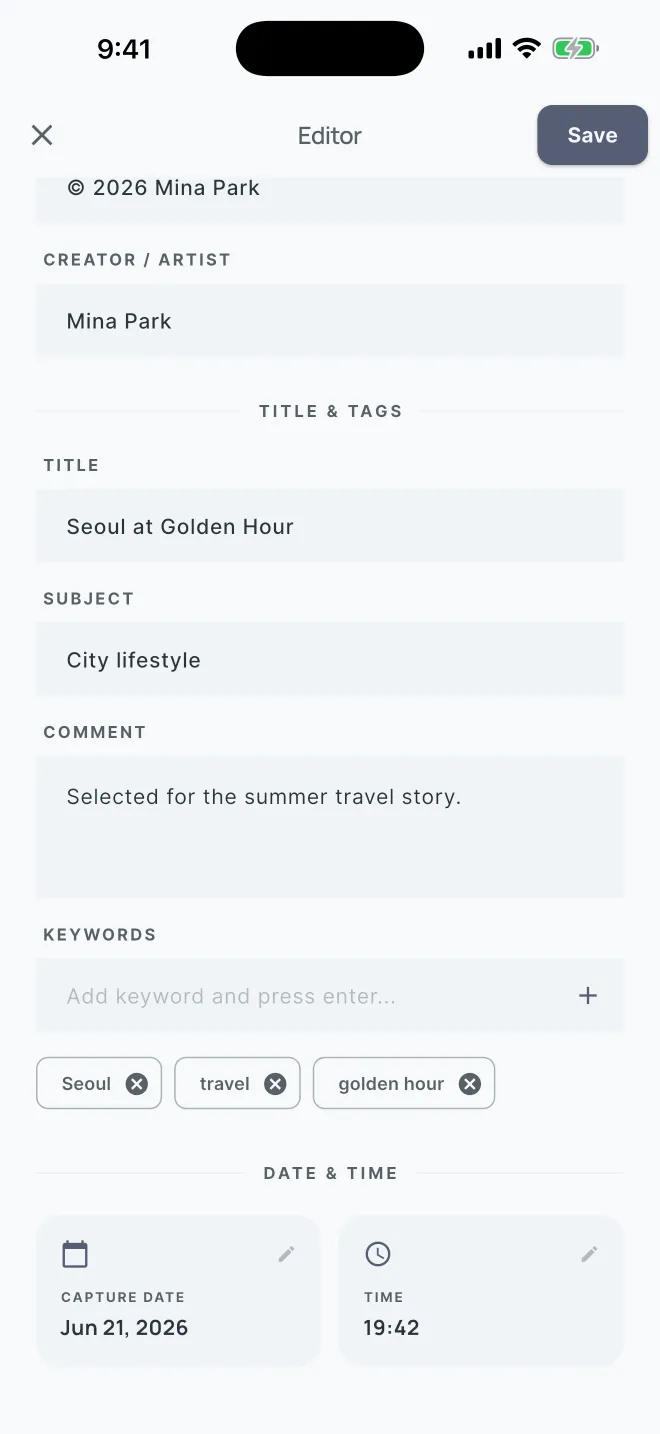
3Write what should travel with the photo: creator, title, subject, comment, keywords, date.
-
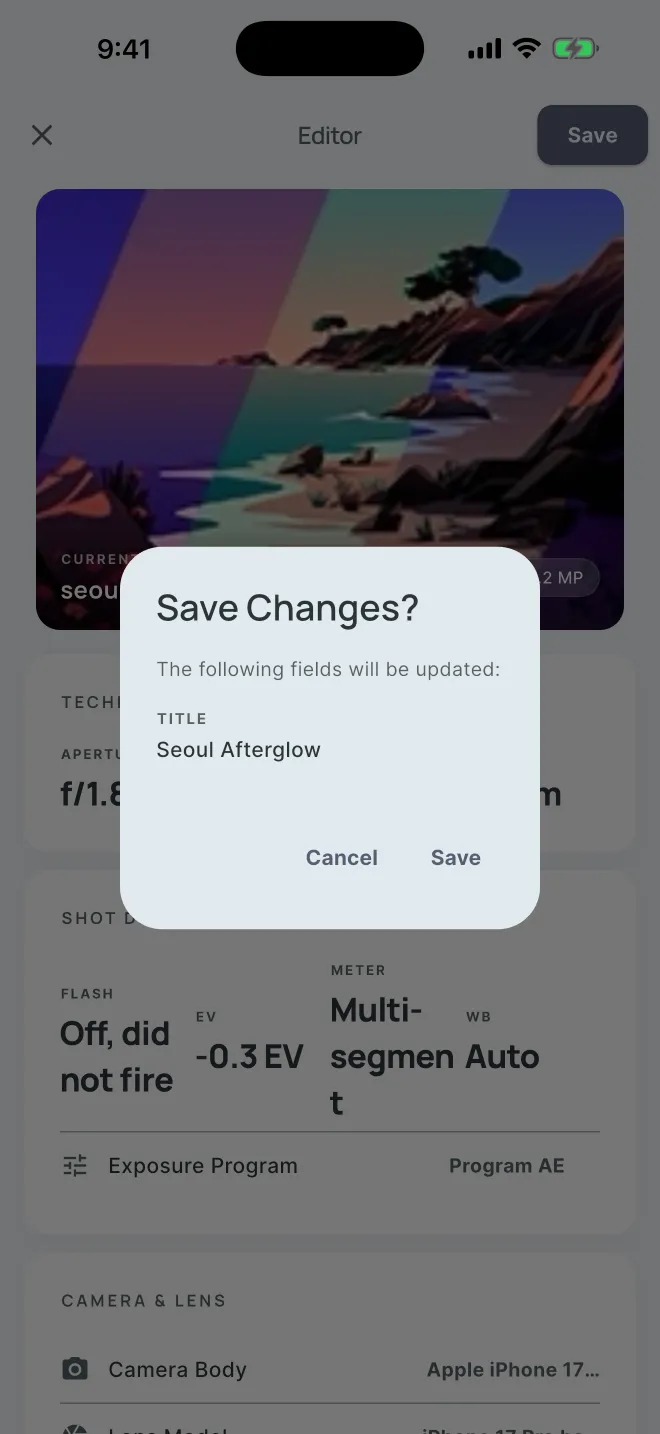
4Before anything is written, it lists exactly which fields will change.
-
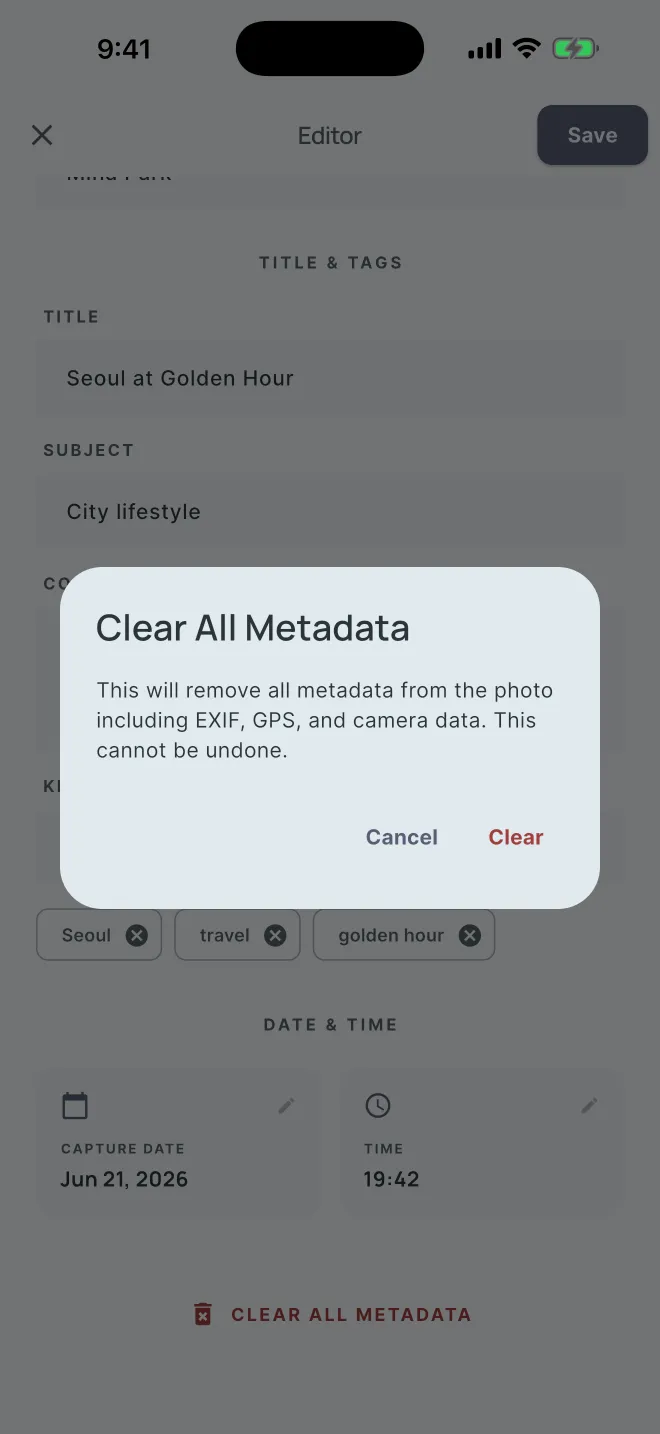
5Or clear all EXIF, GPS and camera data at once, after one confirmation.
-
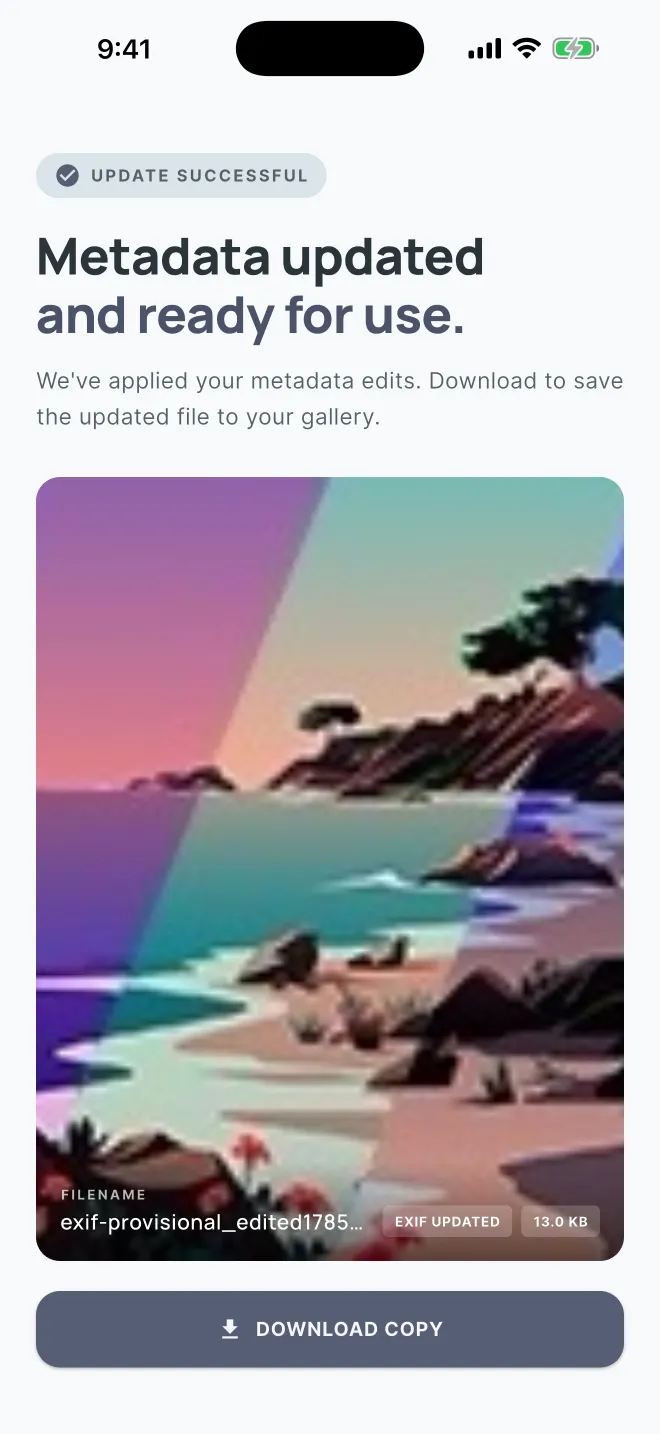
6Save the result to your gallery, or send it through the share sheet.
What it reads, writes and clears
- Reads
- Aperture, shutter speed, ISO and focal length. Flash, exposure bias, metering mode, white balance and exposure program. Camera body, lens make and model, 35mm equivalent focal length and software. Resolution, file size, and when the photo was taken.
- Location
- Latitude and longitude, altitude, heading, speed, and the GPS timestamp in UTC.
- Writes
- Description, copyright holder, creator, title, subject, comment and keywords, plus the capture date and time. You see the list of changes before anything is saved.
- Clears
- Every metadata field in one step: location, camera and lens details, dates and text. On JPEG and PNG the orientation and colour profile are kept, so the photo still displays the right way up and in the right colours.
- Batch
- Pick many photos and give them all the same copyright, creator and keywords, or clear them all at once. A counter shows how far along it is, and you can cancel partway.
- Saving
- Supported photos in your gallery can be updated in place once you allow it. Otherwise you get a copy, saved to your gallery as
name_editedorname_clean, or shared from the share sheet. - Formats
- JPEG and PNG are edited and cleared without re-encoding the picture. Other common formats, such as WebP, are re-encoded when cleared. HEIC isn’t supported.
- Price
- Free, with ads.
Your photos stay on your phone
Reading, editing and clearing all happen on the device, and none of it needs a connection. Your photos aren’t uploaded anywhere; they leave the phone only when you share them yourself.
The app connects to the internet for its ads, served by Google AdMob, and the consent form that comes with them. Your photos are never part of that.
Frame 14 after Clear all: the same picture, nothing attached.